How Adapty works
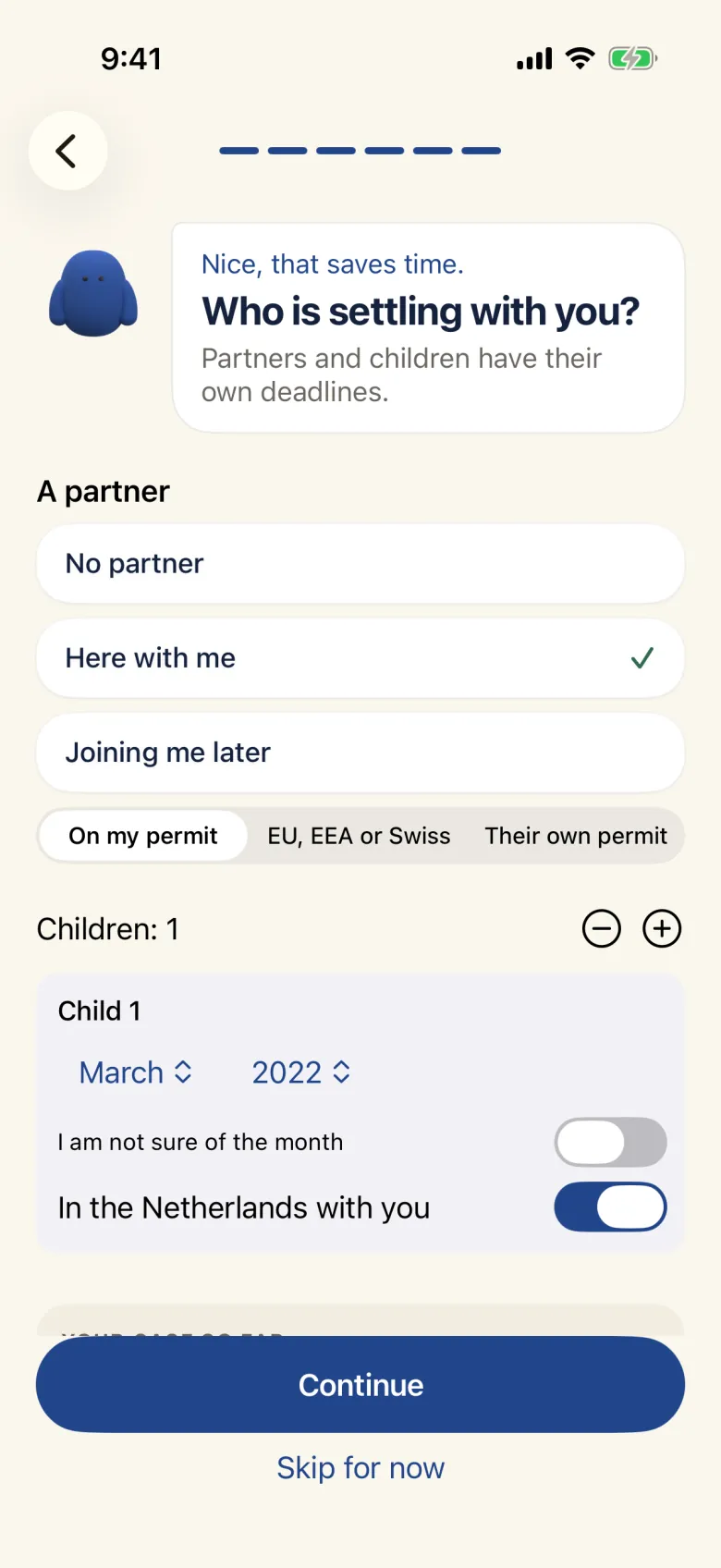
Tell Adapty your situation
Your route to the Netherlands, your nationality, when you arrived, your city, what you have already done and who lives with you. A few minutes.
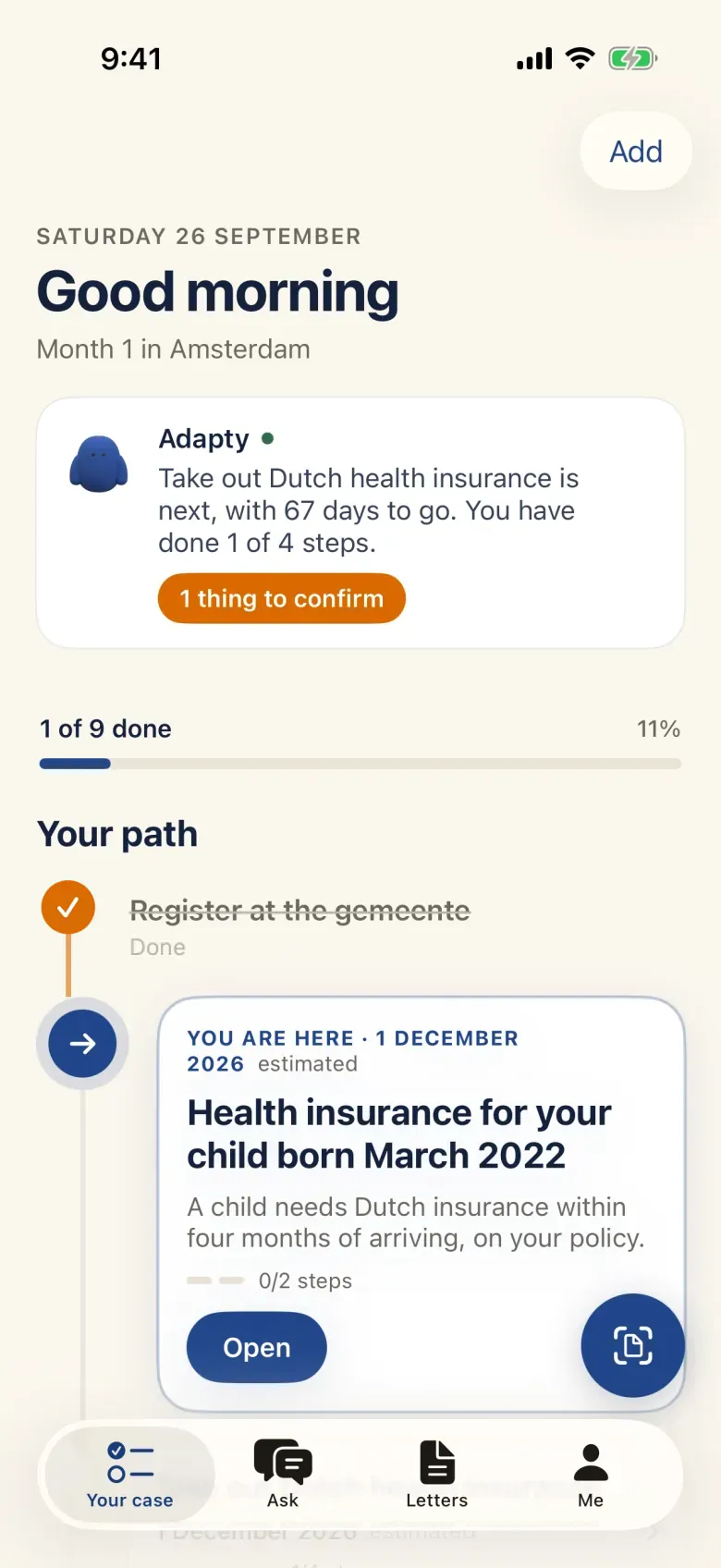
See your plan
Every step that applies to you, in order, each with its date: registering, your BSN, DigiD, health insurance and what comes after.
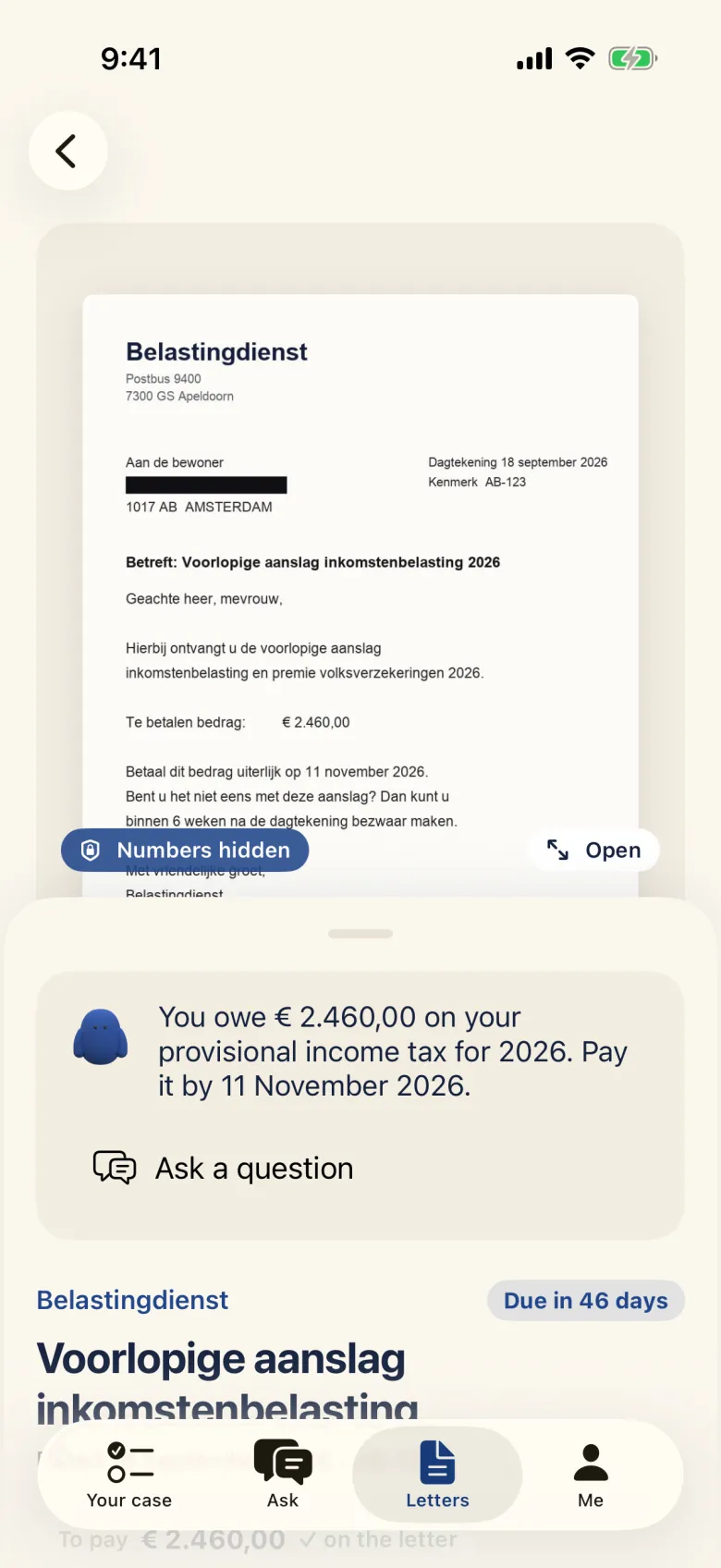
Scan a letter
Photograph a letter from the gemeente, the Belastingdienst, the IND or another authority. See what it says, what it asks of you and by when. Your BSN is blacked out on your phone before anything is sent.
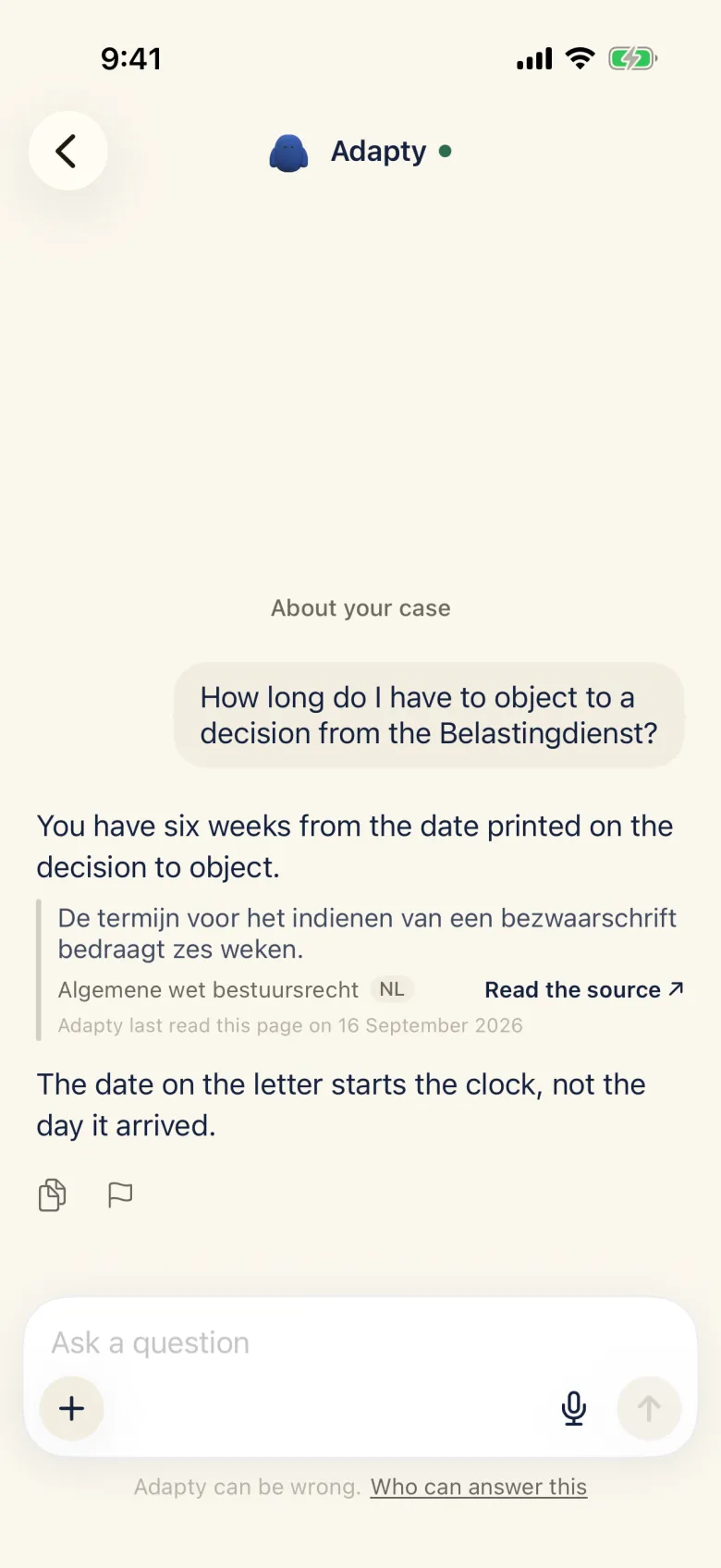
Ask anything
Ask in your own words. Every answer names the official page it comes from. If there is no official source, Adapty says so.